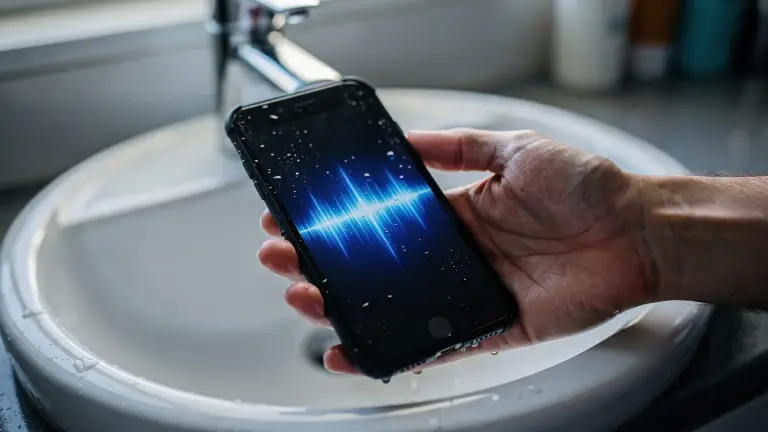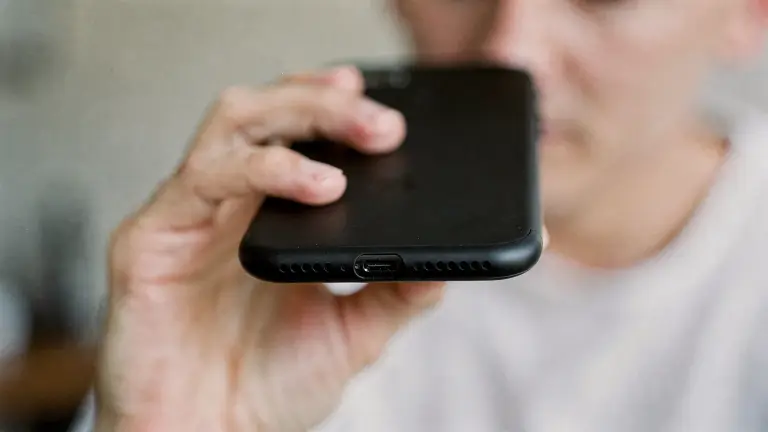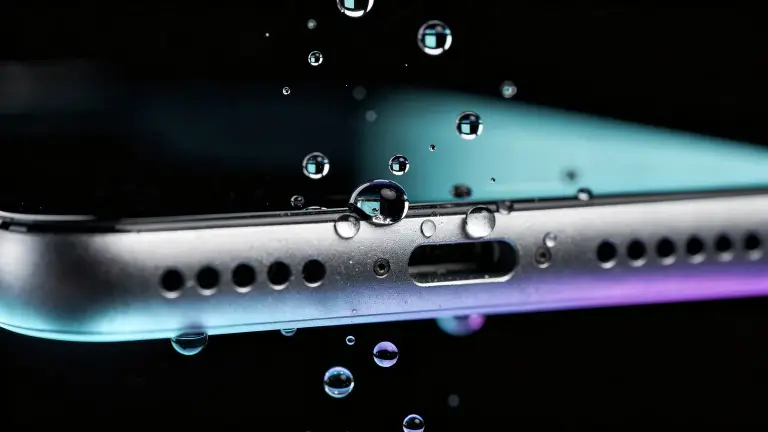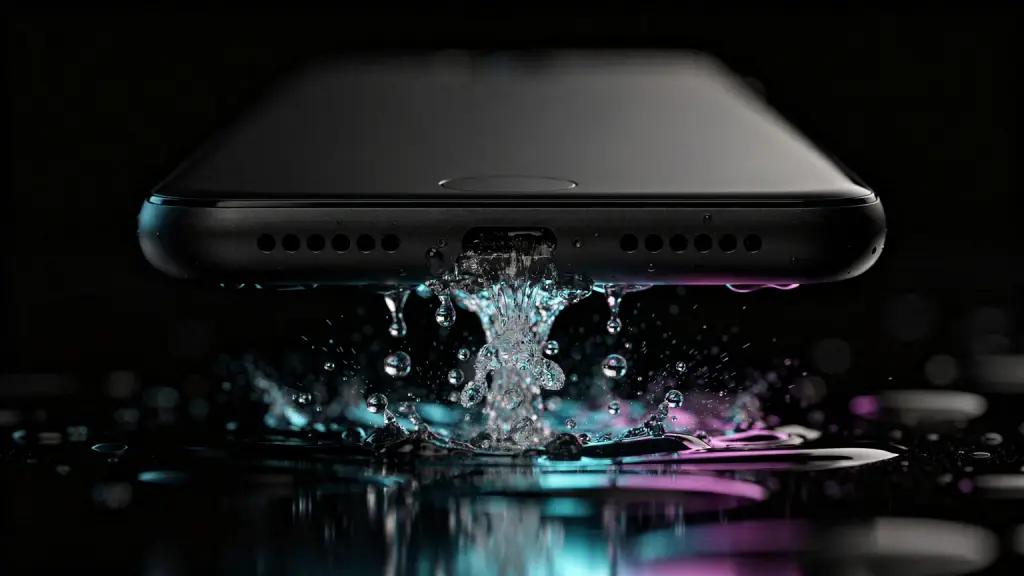

To eject water from your phone, turn the volume all the way up, hold the phone with the speaker facing down, and play a low 165 Hz tone for 30 seconds. The sound vibrates the speaker and pushes the trapped water out through the grille.
Did your phone just go for a swim? A pool, the shower, a drop in the sink? Now your music sounds like it’s playing underwater, and maybe your iPhone is flashing a “Liquid Detected” alert too.
Breathe. Most of the time this is fixable in under a minute, for free, right from your browser.
Time 30 to 60 secondsCost freeDownload noneWorks on iPhone, Android, iPad
Is the water in your speaker or your charging port?
It matters, because they need different fixes. Check which one you’re dealing with before you start:
- Muffled, quiet or crackly sound: water is sitting in the speaker grille. Sound pushes it out. This guide is for you.
- A “Liquid Detected” alert when you plug in: water is in the charging port. No sound can reach it.
For the port, follow Apple’s advice: tap the phone gently against your hand with the connector down and let it dry. The Liquid Detected guide linked above walks you through every step.
Often it’s both. Dry the port, then clear the speaker with the steps below.
How do you eject water from your phone?
Follow these in order. The whole thing takes about a minute.
- Wipe the outside dry. Take the case off and wipe the phone with a soft, lint-free cloth.
- Open watereject.live. The Water Eject tool is free and runs right in your browser on iPhone, Android or iPad.
- Pick your device (optional). Tap the settings button next to Eject and choose iPhone, Galaxy, Pixel, iPad or AirPods. You get tips matched to your phone.
- Turn the volume all the way up. The tone needs full volume to move the water.
- Hold the speaker facing down and tap Eject water. Boost, our loudest sound, plays for 30 seconds. You’ll often see droplets appear on the grille.
- Flip the phone and run it again. Most phones also play sound through the earpiece at the top, so clear that one too.
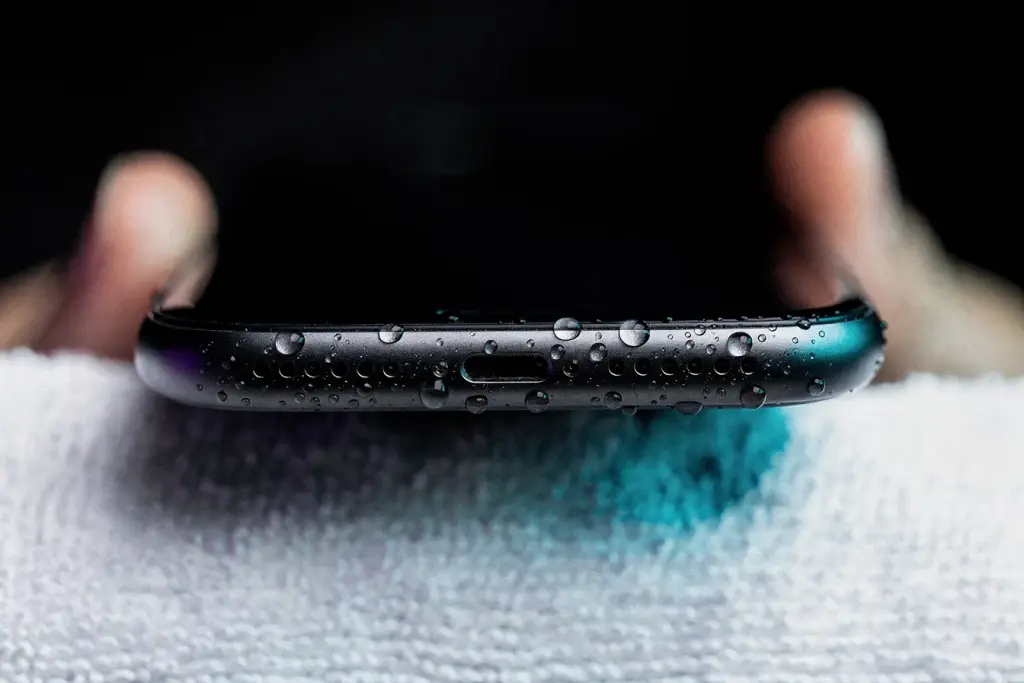
Wipe away the droplets that appear on the grille, then play a song to check the sound.
Which sound works best?
Start with Boost. If water is still hiding in the mesh, switch sounds. Each one moves the speaker differently, and stubborn droplets often give way to a change of rhythm.
| Sound | Use it when | Run |
|---|---|---|
| Boost | Your first try, every time | 30 s |
| Pulse | Water clings to the mesh | 60 s |
| Sweep | Nothing else shifted it | 30 s |
| Burst | You want short, hard thumps | 30 s |
Boost and Deep hold a steady 165 Hz, and the others move around that note. Boost drives it so hard it’s almost square, which adds overtones that phone speakers play loudly. That’s why it’s our default.
How do you get stubborn water out of a phone speaker?
One run clears most splashes. For a real soaking, repeat with a mix of sounds. This is the routine we recommend:
- Run Boost for 30 seconds. Speaker down, then flip and repeat for the earpiece.
- Switch to Pulse for 60 seconds. The on-off bursts jolt water that clings to the mesh.
- Finish with Sweep for 30 seconds. It glides through notes and finds the one your speaker moves most at.
- Rest the phone speaker-down for 5 minutes, then test with a song. Repeat the routine up to three times.
Give the phone short breaks between runs. If it still sounds distorted after a day of drying, the speaker may be damaged rather than wet. We explain the signs in why an iPhone speaker stays muffled.
Why does sound push water out of a phone?
Your speaker is a tiny drum. At a low note, its membrane moves the furthest, and every push of air shoves droplets toward the holes in the grille.
Apple uses the same idea on Apple Watch. Its Water Lock feature plays a series of tones to clear water from the watch speaker. iPhone has no built-in version, which is exactly why we built watereject.live.
Can you do it from a shortcut instead?
Yes. If you’d rather tap the back of your iPhone than open a website, you can build a Water Eject shortcut in about two minutes using our free 165 Hz tone. Our Water Eject shortcut guide shows every step, including Back Tap.
Want even more power? Add vibration
Sound moves the water. Vibration shakes it loose. Together they work on the stubborn droplets from two directions.
Our iPhone app, Water Eject x Speaker Cleaner, pairs the sound with vibration and adds a left and right speaker test, so you know both speakers are back. Here’s how it compares with other water eject apps.

Pair the sound with vibration. Our iPhone app, Water Eject x Speaker Cleaner, pairs the sound with vibration to shake more water loose, and tests your left and right speakers separately.
Get it on the App StoreFree on iPhone. Optional Pro upgrade.
How do you keep your speakers clear for good?
Make it a two-minute habit. Speakers collect water, lint and dust over time, and a little care keeps the sound crisp:
- After any water: pool, rain or shower steam, run Boost for 30 seconds.
- Every week: play a song and listen for muffled or crackly spots.
- Every month: brush the grille gently with a soft, dry brush. Sound shakes loose light lint, but packed dust needs a brush.
Frequently asked questions
How long should I run water eject?
Start with 30 seconds of Boost. For stubborn water, follow with 60 seconds of Pulse. Keep each run to a minute or less and give the phone a short break between runs.
Is it safe for my speaker?
Yes. The tone plays through your phone’s normal audio path, at levels the speaker is built for, the same as loud music. Short runs with breaks are all it needs.
Does it work on Android and Samsung?
Yes. It works in Chrome or Samsung Internet on any Android phone. Pick Galaxy, Pixel or Other Android in the device settings, and run it once with each edge facing down.
Can it fix “Liquid Detected”?
No. That alert means water is in the charging port, which sound can’t reach. Dry the port first, then use the tone to clear the speaker.
What if my phone fell all the way into water?
Dry it before anything else. Our guide for a phone that fell in water covers the first 30 minutes, then come back here to clear the speaker.