
If your phone fell in water, take it out right away, wipe it with a soft cloth, tap it gently with the ports facing down, and let it air-dry before you charge it. Don’t use heat, compressed air or rice.
Most modern phones survive a quick dip. What you do in the next half hour decides whether a wet phone becomes a broken one.
What should you do first?
Move fast, but don’t panic. These steps match the official guidance from Apple, Samsung and Google:
- Lift it out. The less time underwater, the better, even for a water-resistant phone.
- Unplug everything. Disconnect the charger, cable and headphones.
- Wipe it down. Use a soft, lint-free cloth. Remove the case so water isn’t trapped behind it.
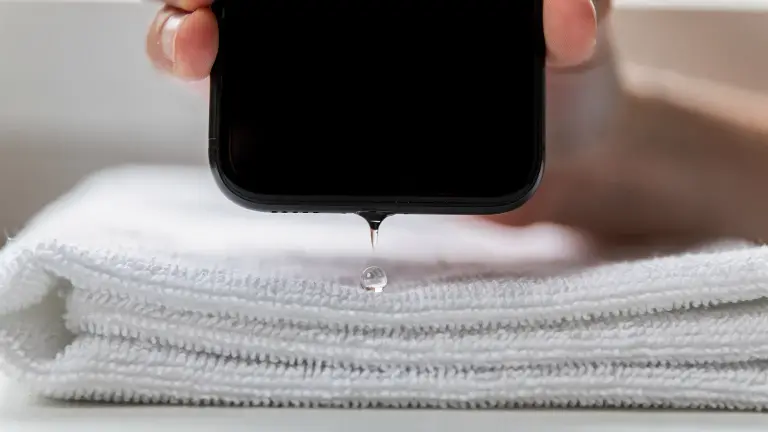
- Tap out the ports. Hold the phone with the charging port facing down and tap it gently against your hand. Here’s how to get water out of a charging port if it stays wet.
- Let it air-dry. Leave it in a dry spot with some airflow, like near a fan on a cool setting.
Google’s own Pixel advice is the same short list: lift it out, turn it off, dry it with a soft cloth, then let it finish drying at room temperature.
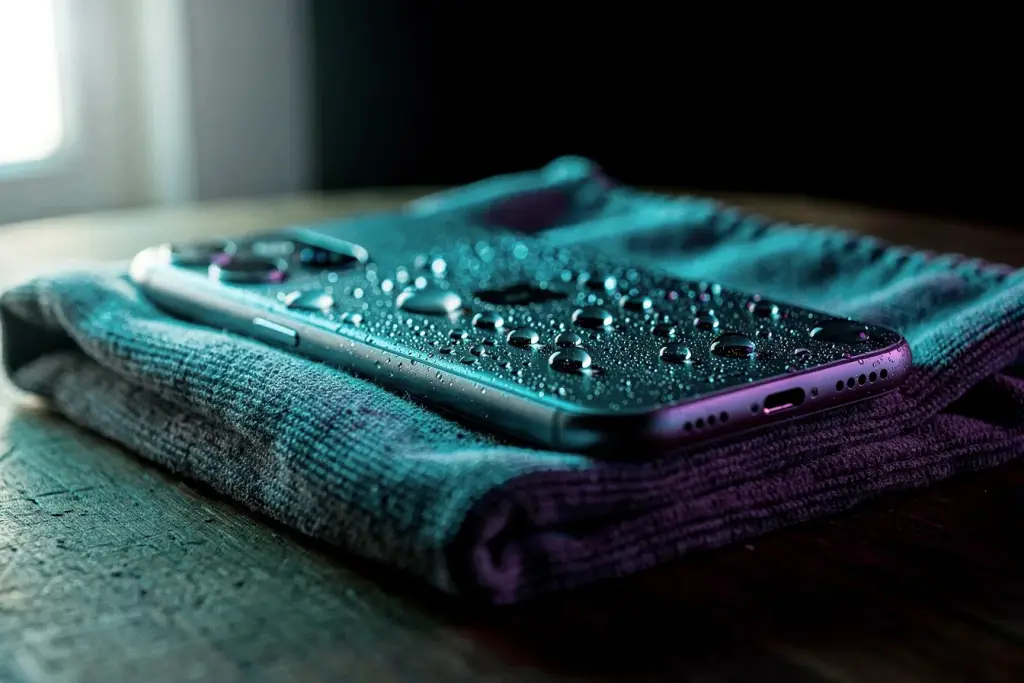
Was it salt water, a pool or a drink?
Clean fresh water is the easy case. Anything else should be rinsed off first, because salt, chlorine and sugar leave residue that can corrode the ports.
Samsung says that if a Galaxy phone is exposed to salt water, wash it with fresh water, then dry it. Apple says to rinse the affected area with tap water if your iPhone meets anything other than water, then wipe it off and dry it.
Soapy water, coffee or juice? Same idea: a short rinse under gentle tap water, then the drying steps above.
How long should you wait before charging?
Wait at least 5 hours before charging an iPhone with a cable, Apple says on its water resistance page. Charging a wet port is the fastest way to turn a splash into corrosion.
If your iPhone shows a “Liquid Detected” alert, that’s the phone protecting itself. We explain each alert and what to do in our Liquid Detected guide.
Wireless charging is the safer option if you really need power. Apple allows a Qi charger once the back of the phone is dry.
Does putting a phone in rice work?
No. Apple specifically says not to put your iPhone in a bag of rice. Small particles of rice can get into the phone and damage it, and rice doesn’t dry the inside any faster than open air.
- Don’t use a hair dryer, oven or radiator. Heat can damage the battery and seals.
- Don’t use compressed air. It can push water deeper.
- Don’t poke cotton swabs or paper towels into the ports.
- Don’t put it in rice.
The speaker sounds muffled. What now?
Water often sits in the speaker grille after a dip, which makes audio sound quiet, crackly or muffled. A low tone at high volume vibrates the speaker and pushes those droplets out. You can play one with Water Eject online, free in your browser.
On iPhone you can also run the same kind of tone from a shortcut. Our Water Eject shortcut guide shows how to add it and trigger it with a double tap on the back of the phone.
Still quiet once everything is dry? It may be lint or a software setting, not water. See why an iPhone speaker stays muffled.
How waterproof is your phone, really?
Water resistant isn’t waterproof. Ratings are measured in lab conditions with fresh water, and seals wear down over time.
| Phone | Rating | Lab test |
|---|---|---|
| iPhone 12 to iPhone 17 | IP68 | Up to 6 m, 30 min |
| Galaxy (recent) | IP68 | Up to 1.5 m, 30 min |
The iPhone depths come from Apple’s water resistance page; Samsung lists 1.5 metres for up to 30 minutes for its IP68 models.
One more thing to know: Apple notes that liquid damage is not covered under warranty. If your phone still won’t turn on after a day of drying, book a repair rather than trying to open it yourself. See what water damage repair costs first.

Want vibration too? Our iPhone app, Water Eject x Speaker Cleaner, pairs the sound with vibration to shake more water loose, and tests your left and right speakers separately.
Get it on the App StoreFree on iPhone. Optional Pro upgrade.
Frequently asked questions
My phone fell in water and won’t turn on. Is it dead?
Not necessarily. Don’t keep pressing the power button or plug it in. Let it dry for at least a day, then try once. If nothing happens, take it to an authorised repair shop.
My phone fell in water and the screen is black, but it vibrates.
The phone is running but the display or its connection may be affected. Turn it off if you can, let it dry fully, and get it checked if the screen doesn’t come back.
Why is my phone not charging after it got wet?
Your phone may be blocking charging to protect the wet port. Let it dry with the port facing down. Our Liquid Detected guide explains the alert and the safe override.
Can I use the phone while it dries?
Light use is fine on a water-resistant phone, but leave the charging port unplugged and avoid headphones in the jack until everything is dry.