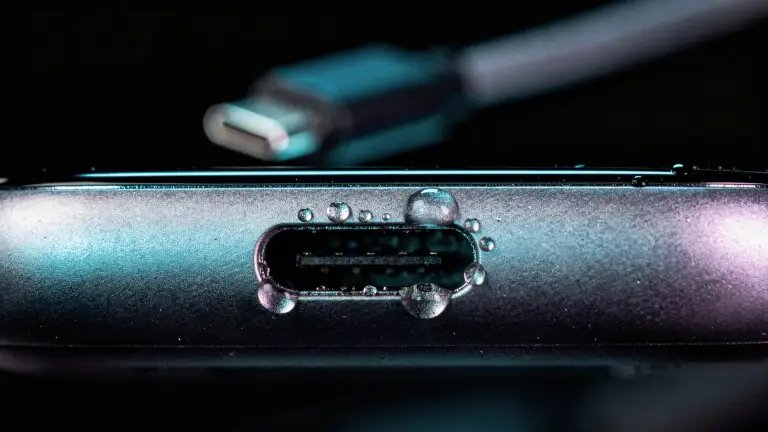

Got water in your charging port? Unplug it, tap the phone gently with the port facing down, then let it air-dry for at least 30 minutes before you plug anything in. That’s the advice from Apple, Samsung and Google.
Your phone blocks wired charging while the port is wet, on purpose: power through a wet connector can corrode the pins. And no, a water eject sound alone won’t clear the port. Here’s what will, and why.
Time 30 min to 24 hWorks on iPhone, Samsung, PixelCost free
How do you get water out of a charging port?
The steps from all three phone makers, combined:
- Unplug everything. Remove the cable and any USB-C headphones, as Google advises. Don’t reconnect until the port is dry.
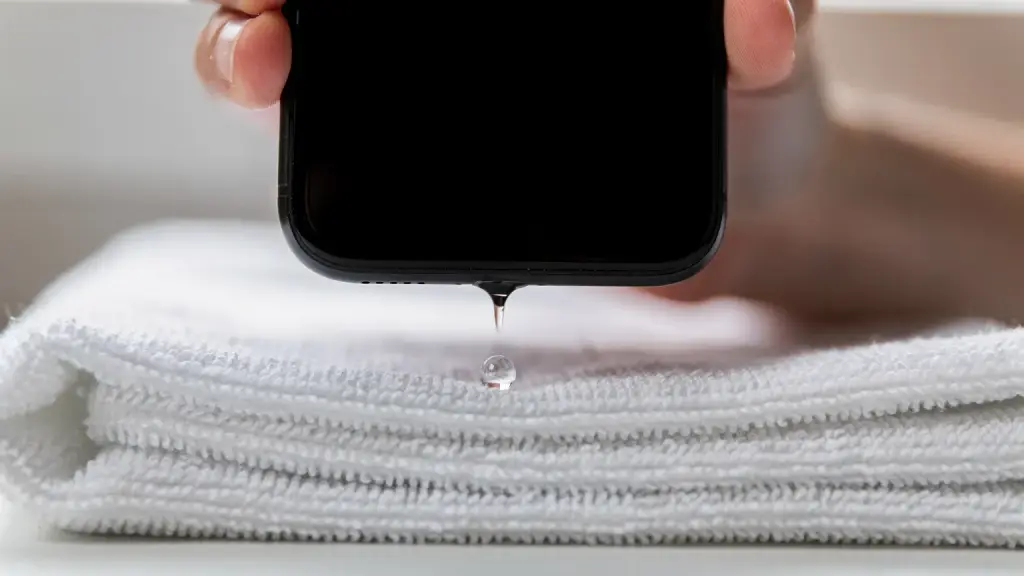
- Tap it, port down. Apple says to tap the iPhone gently against your hand with the connector facing down. Samsung says to shake it gently 5 to 10 times, port down.
- Wipe the outside. Use a dry, soft cloth around the opening. Put nothing inside it.
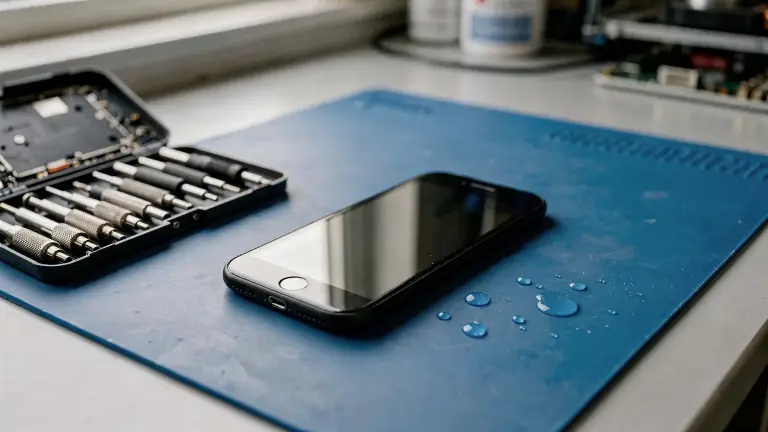
- Let air do the work. Leave the phone somewhere dry with some airflow, or in front of a fan.
- Wait at least 30 minutes. Then try a cable. If the alert comes back, give it longer: Apple says it can take up to 24 hours.
- Restart once it’s dry. Samsung suggests a restart after the port has dried.
Keep the shaking gentle. Samsung warns that excessive force or shaking may damage your phone, so think light taps, not a hard swing.
Apple: wait at least 30 minutes, then try a cable. Keep the phone port-down somewhere with airflow.
Your timer stays on this page if you close it.
How can you dry a charging port faster?
Moving air is the only safe speed-up. A fan, a dry room and the port facing down all help. A steamy bathroom slows things down, because the air is already wet.
Heat doesn’t help. Apple says not to use an external heat source or compressed air. That rules out hair dryers, radiators, ovens and direct sun.
Why does water get stuck in a charging port?
Surface tension can hold small amounts of water against gravity. That’s why a port can stay wet even when you hold the phone upside down.
Physicists compare the two forces with a number called the capillary length. For water, it’s about 2.7 mm. In gaps narrower than that, surface tension is about as strong as gravity, or stronger.
A USB-C opening is about 8.34 × 2.56 mm, with a contact tongue running through the middle. The gaps above and below that tongue are well under 2.7 mm, so a droplet can bridge them and cling there.
Water also sticks where it touches a surface. Scientists call this pinning: a drop stays put until something pushes harder than its grip. That’s where shaking comes in.
How does vibration help remove water?
Shaking breaks water’s grip, then gravity pulls it out. The phone makers’ advice relies on it, and lab research explains why it works.
- It’s the official advice. Apple says tap, Samsung says shake. Both are a burst of movement that jolts water loose.
- Vibration unpins drops. In a 2004 study, drops on a gently vibrating surface stayed pinned and only wobbled. Above a certain strength, their edges broke free and started to move.
- Vibration makes water less sticky. A 2007 study of drops on shaken, tilted plates found vertical vibration reduced how strongly they clung. Drops slid down, stayed put, or even climbed, depending on the shaking.
- Engineers study it in narrow channels. A 2024 study in Physics of Fluids modelled vibration moving water droplets through fuel-cell flow channels. The vibration’s frequency mattered more than its strength.
The 2007 result is why direction matters. Vibration loosens the water, and gravity decides where it goes. Hold the port facing down every time.
Is a phone’s vibration strong enough?
A phone’s vibration comes from a small motor called a linear resonant actuator. Android’s developer guide says these resonate around 150 Hz or 200 to 300 Hz. A typical one produces about 1 to 1.4 g, roughly gravity’s pull again, many times a second.
That’s far weaker than a lab shaker: the 2007 study went up to 50 g. So think of phone vibration as a hands-free version of Apple’s tap. It helps droplets near the opening, but it can’t dry the inside.
Can a sound get water out of a charging port?
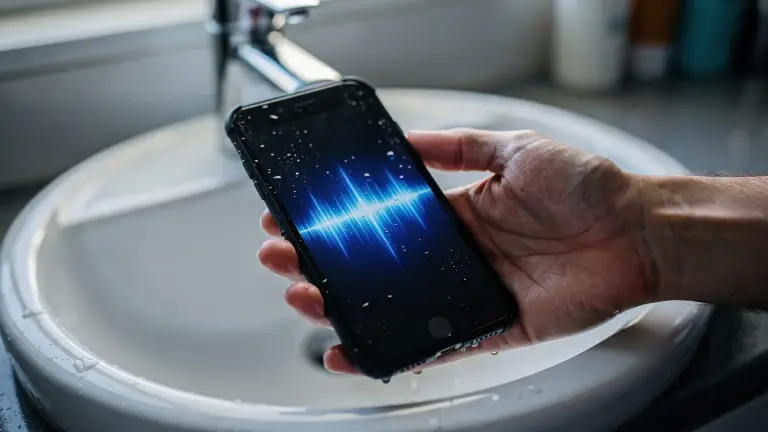
Not on its own. A water eject tone moves the speaker’s membrane, and that’s what pushes water out of the speaker grille. The charging port has no membrane, so the tone has nothing to push on there.
That’s why “sound to remove water from charging port” videos disappoint. Any help comes from the phone shaking. Even Apple’s own water eject on Apple Watch plays tones to clear the speaker, not a port.
Our iPhone app, Water Eject x Speaker Cleaner, pairs the cleaning tone with vibration, from a gentle Ripple to a strong Tsunami. Hold the phone port-down: the vibration does the tapping while the tone clears the speaker. We make this app.

Should you put your phone in rice?
No. Apple warns that small particles of rice can damage your iPhone. Samsung’s and Google’s steps don’t mention rice at all; they rely on air and a fan. For the whole phone, see how long to let a phone dry.
The wet charging port cheat sheet
Save it, screenshot it, or send it to whoever just dropped their phone in the pool.
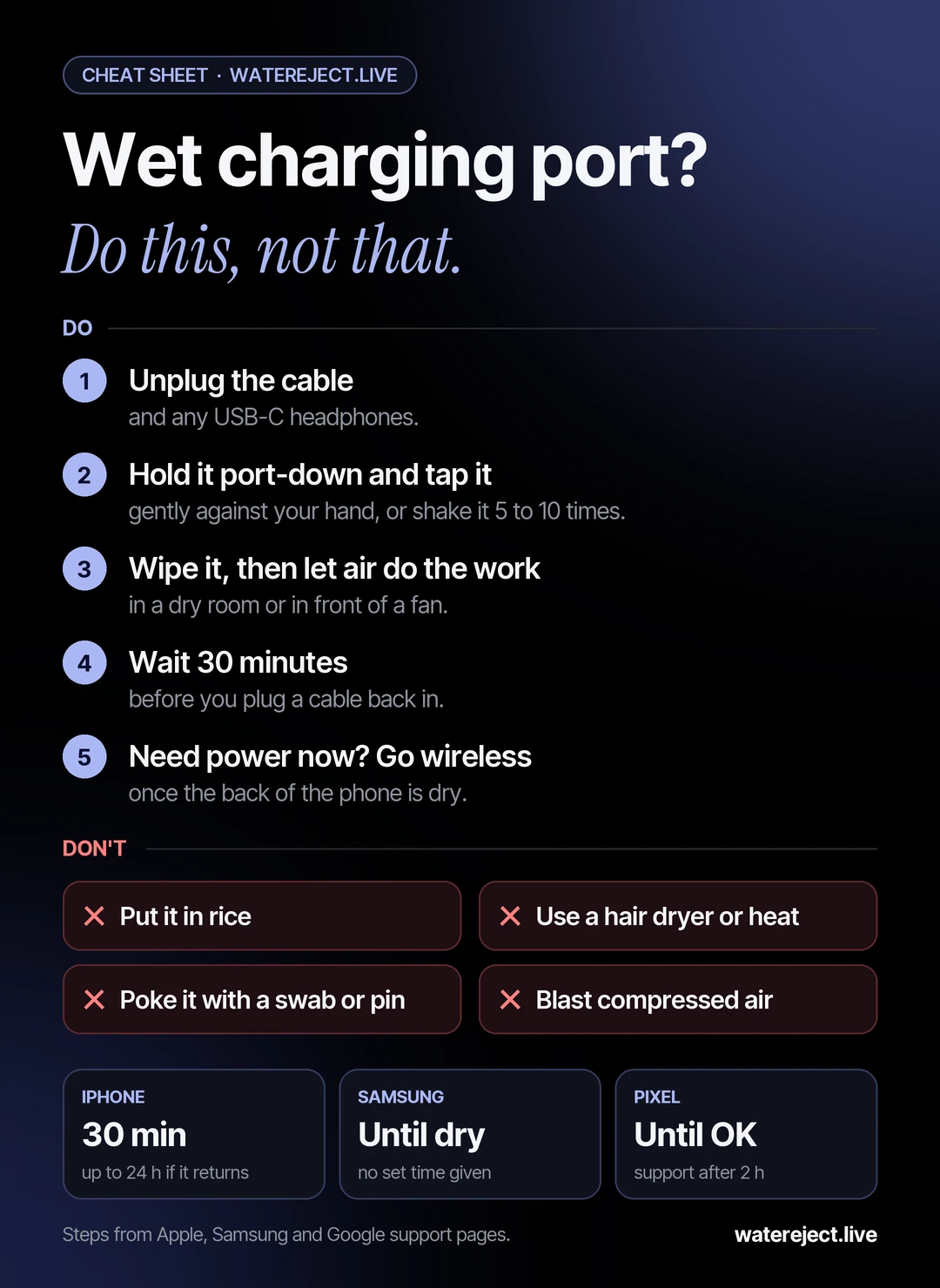
How long does a charging port take to dry?
Usually 30 minutes to a few hours. Each maker puts it differently:
| Phone | What the maker says |
|---|---|
| iPhone | Wait at least 30 minutes; it can take up to 24 hours |
| Samsung | Leave it until it’s completely dry; no set time |
| Pixel | Wait for “OK to use USB port”; contact Google after 2 hours |
Humid air slows every phone down. If you’re in a steamy room, move the phone somewhere drier before you start counting.
What if it says the port is wet, but it’s dry?
A damp cable, lint or humid air can trigger the warning. Samsung says it can appear even if your phone did not come into contact with water, for example in a kitchen or bathroom.
- Try another cable. Samsung notes that moisture inside the cable can set it off.
- Check for lint. Look in with a torch, but don’t dig with anything.
- On Samsung, clear the USB cache. Settings > Apps > Show system apps > USB Settings > Storage > Clear cache.
- On iPhone, see our “Liquid Detected” guide for the emergency override and when the iPhone may need service.
Can water permanently damage a charging port?
Rarely, if you let it dry before charging. The warning exists to stop current flowing through a wet connector, which is what corrodes the pins.
Signs it’s beyond drying: green or white crust on the pins, a cable that only works at an angle, or a port that looks burned, melted or corroded. Google says that last one needs a warranty claim or an authorized repair.
Our water damage repair cost guide lists charging-port repair prices by country.
Did water get into the speaker too?
If sound is muffled or crackly, the speaker needs its own fix. That’s where a tone does work. Our free Water Eject tool plays a 165 Hz tone in your browser on iPhone or Android.
For the full routine after a drop, see what to do when your phone falls in water and our step-by-step water eject guide.
Frequently asked questions
Is there a sound frequency that removes water from a charging port?
No. Tones like 165 Hz move the speaker’s membrane, and the port has nothing for sound to push on. Vibration and gentle taps with the port facing down help; then let it air-dry for at least 30 minutes.
Can I use a hair dryer on my charging port?
No. Apple says not to use an external heat source or compressed air. A fan and a dry room are the safe ways to speed up drying.
Can I charge my phone if the charging port is wet?
Not with a cable. Wait until it’s dry, or use a wireless charger once the back is dry. iPhone has an emergency override, but Apple advises against charging while the connector is wet.
Should I use a cotton swab or toothpick to dry the port?
No. Apple says not to insert objects such as a cotton swab or paper towel into the connector. Tap it, then let air dry it.
Why does my charging port keep saying it’s wet?
There may still be water deeper inside, so give it longer. If it’s truly dry, try another cable, check for lint, or clear the USB cache on Samsung. On a Pixel, Google says to contact support if it lasts 2 hours.
Sources
Research and reference sources, checked 4 November 2026. The steps above link to Apple, Samsung, Google and Android directly.
Research studies4
- Noblin, Buguin and Brochard-Wyart (2004). Vibrated sessile drops: transition between pinned and mobile contact line oscillations. European Physical Journal E 14, 395–404.
- Brunet, Eggers and Deegan (2007). Vibration-induced climbing of drops. Physical Review Letters 99, 144501.
- Guo, Zhao, Lin, Li and Wang (2024). Analysis of droplet vibration dynamics in two-dimensional/three-dimensional flow field of fuel cells. Physics of Fluids 36, 067118.
- Lee, Kim and Kim (2013). Horizontal linear vibrating actuator to reduce smart phone thickness. Journal of Vibroengineering 15(4), 2003–2011.
Physics and hardware3
- Lecture notes on surface tension (arXiv 1510.05508). Capillary length of water.
- USB Type-C receptacle reference dimensions, from connector makers' drawings.
- Android Developers. Analyze vibration waveforms.
Phone makers4
- Apple Support. If you see a liquid-detection alert on your iPhone.
- Apple Support. Use Water Lock on Apple Watch.
- Samsung UK. My device displays a water drop icon and will not charge.
- Google Pixel Help. Fix “Liquid or debris in USB port” messages.