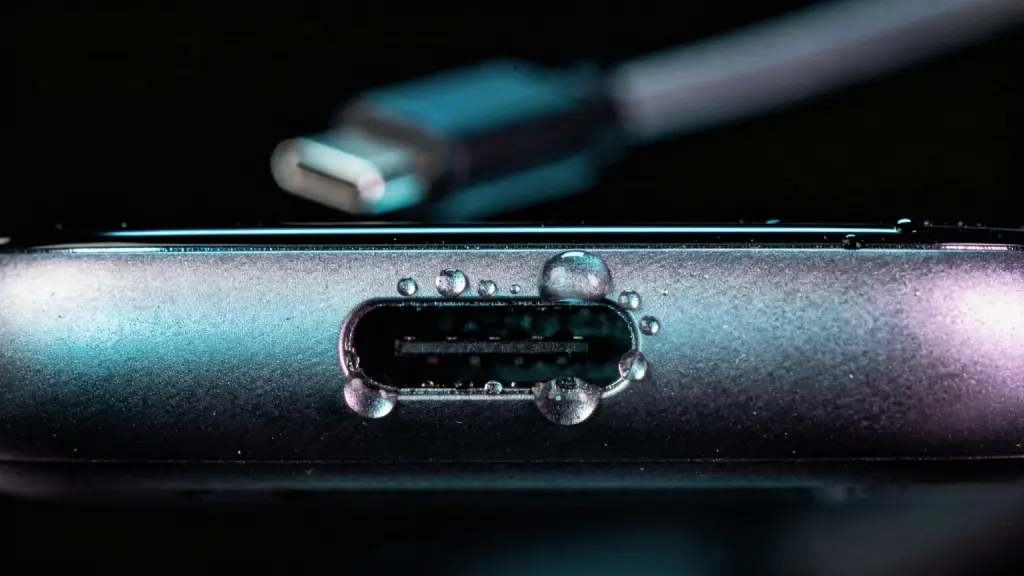

“Liquid Detected” means your iPhone found moisture in the charging port or on the cable, so it stopped charging to protect itself. Unplug the cable, tap the phone gently with the port facing down, and try again after at least 30 minutes.
It’s a safety feature, not a fault. Charging through a wet connector can corrode the pins for good.
What does the alert mean?
Apple added liquid detection to iPhone XS, iPhone XS Max, iPhone XR and later. The alert can read “Charging Not Available”, “Liquid Detected in Lightning Connector”, “Liquid Detected in USB-C Connector” or just “Liquid Detected”.
iPhone 15 and later (USB-C)
iPhone with Lightning
All of them mean the same thing: something wet is bridging the pins in the port, on the cable, or on the accessory you plugged in.
What triggers “Liquid Detected”?
Anything wet that touches the charging pins can set it off, and so can a faulty cable. The usual causes:
- Water in the port after rain, a pool, a shower or a spilled drink.
- A wet cable or accessory. Apple’s check runs whenever you connect a charger, cable or accessory, not only when you charge.
- A damaged cable or accessory. If the alert appears every time with one particular cable, Apple says that cable or accessory may be damaged.
- The iPhone itself. If it appears with any Apple cable even when nothing is wet, Apple says your iPhone might need service.
- Sweat or humidity. Samsung confirms high humidity can trigger the same warning on Galaxy phones.
How do you fix “Liquid Detected”?
Apple’s steps, in order:
- Unplug the cable. Disconnect it from both the iPhone and the power adapter. Don’t reconnect until everything is dry.
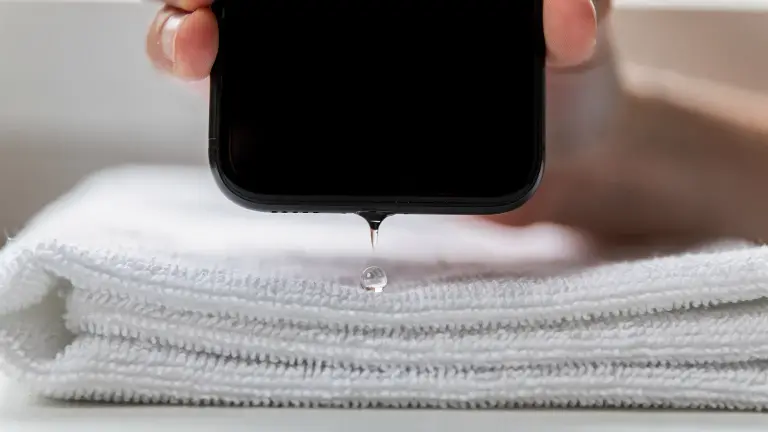
- Tap it gently against your hand. Hold the iPhone with the connector facing down to let water out.
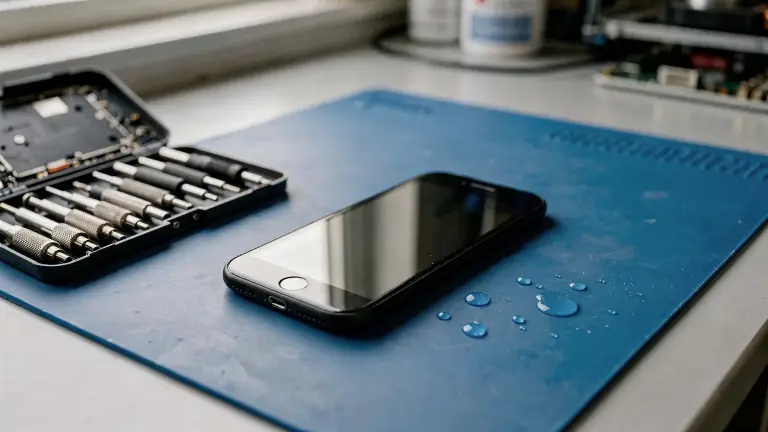
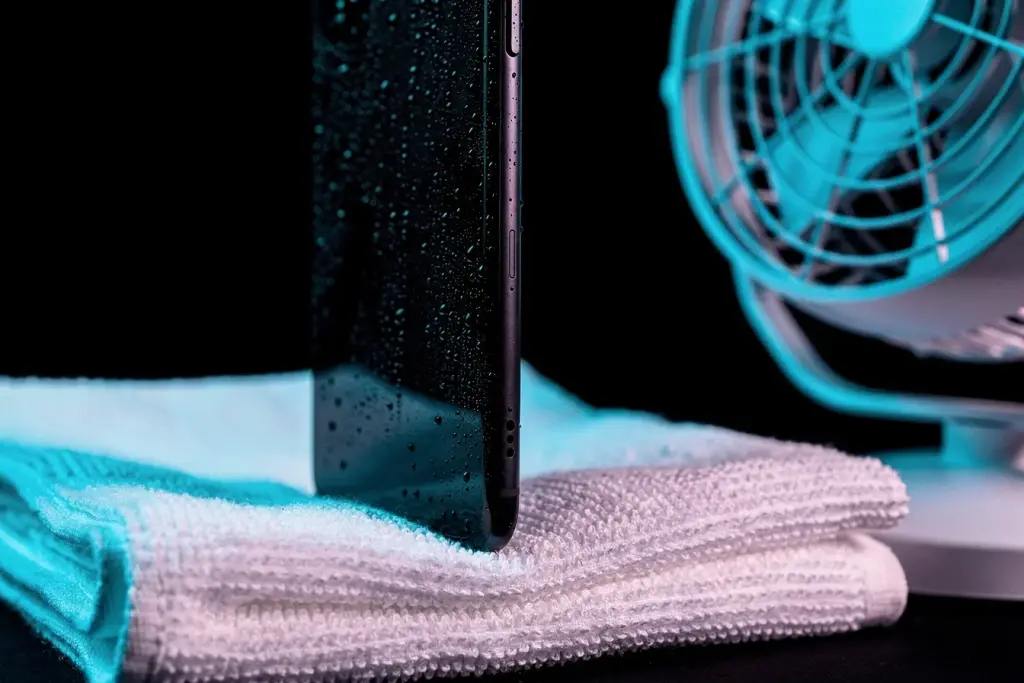
- Leave it somewhere dry. Pick a spot with some airflow.
- After at least 30 minutes, try charging again. If the alert comes back, there’s still liquid inside.
- Give it time. Apple says it can take up to 24 hours to dry completely.
What should you never do?
These are the ways people accidentally turn a 30-minute wait into a repair bill. Apple warns against every one of them:
- Don’t dry the port with a hair dryer or any other heat source.
- Don’t use compressed air. It pushes water deeper.
- Don’t push in a cotton swab, paper towel or any other object.
- Don’t put the phone in a bag of rice. Small rice particles can damage it.
Can a water eject app fix “Liquid Detected”?
Not with sound alone, ours included. Sound moves the speaker cone, and the speaker sits behind its own grille. The charging port has no speaker in it, so the tone never reaches the water there.
Motion is different. Apple tells you to tap the iPhone gently against your hand with the connector down, and Samsung suggests shaking the phone gently 5 to 10 times. Gravity and movement get droplets out of the opening.
That’s why our iPhone app, Water Eject x Speaker Cleaner, pairs sound with vibration: the tone for the speaker, the vibration for the port. We explain the research in how to get water out of a charging port.
Is the emergency override safe?
Only in a real emergency. When the alert appears, iOS may offer “Emergency Override”, which lets you charge anyway.
Apple advises against it: charging with liquid in the port can corrode the pins and the cable, and that damage can be permanent. Wireless charging is the safer way to get a little power while you wait.
What if the port is completely dry?
Then the problem may be the cable or accessory, not the phone. Apple’s rule of thumb:
- The alert appears with only one cable or accessory: that cable or accessory is probably damaged. Try a different one.
- The alert appears with every Apple cable you try: the iPhone itself may need service.
Lint packed into the port can also cause charging trouble. Look with a flashlight, but don’t dig it out with anything metal.
What about Samsung and other Android phones?
Galaxy phones show a water drop icon and a “Moisture detected” warning. Samsung’s advice is close to Apple’s: gently shake the phone 5 to 10 times with the port facing down, or dry it with a fan, then restart it.
Samsung also notes that high humidity alone can trigger the icon, so a steamy bathroom can be enough. Wireless charging still works while the port dries. If a Galaxy speaker sounds muffled too, our free Water Eject sound clears it in Chrome or Samsung Internet.
Did the water reach the speaker too?
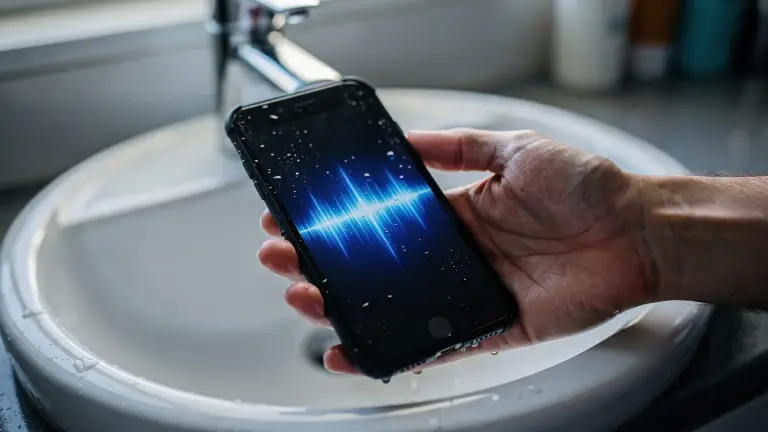
If the phone got wet enough to trip the port sensor, the speaker grille is often wet too. That’s when music and calls sound muffled or crackly.
If the phone went fully underwater, follow our step-by-step guide for a phone that fell in water first. iPhone users can also run the tone from a shortcut: see how to set up Water Eject.

Want vibration too? Our iPhone app, Water Eject x Speaker Cleaner, pairs the sound with vibration to shake more water loose, and tests your left and right speakers separately.
Get it on the App StoreFree on iPhone. Optional Pro upgrade.
Frequently asked questions
How long does “Liquid Detected” last?
Usually 30 minutes to a few hours. Apple says it can take up to 24 hours for the port to dry completely, so try again every half hour or so.
Why does my iPhone say “Liquid Detected” when it’s not wet?
A damp cable, a damaged accessory, lint in the port or high humidity can all trigger it. Try another cable first. If every Apple cable triggers it, the iPhone may need service.
Can I charge my iPhone wirelessly when liquid is detected?
Yes. Apple says a Qi-certified wireless charger works, as long as the back of the iPhone is dry.
Does “Liquid Detected” mean my iPhone is water damaged?
No. It only means moisture is in the port right now. Most phones are fine once the port dries, as long as you don’t force charging.
Will a water eject sound or app fix the charging port?
Not on its own. Sound only reaches the speaker grille. For the port, use gravity, a gentle tap and time. Vibration helps loosen droplets at the opening, but it doesn’t replace drying.