
If your phone speaker sounds low, muffled or crackly, start with the quick checks: turn off Bluetooth, check Silent mode and Do Not Disturb, and take the case off.
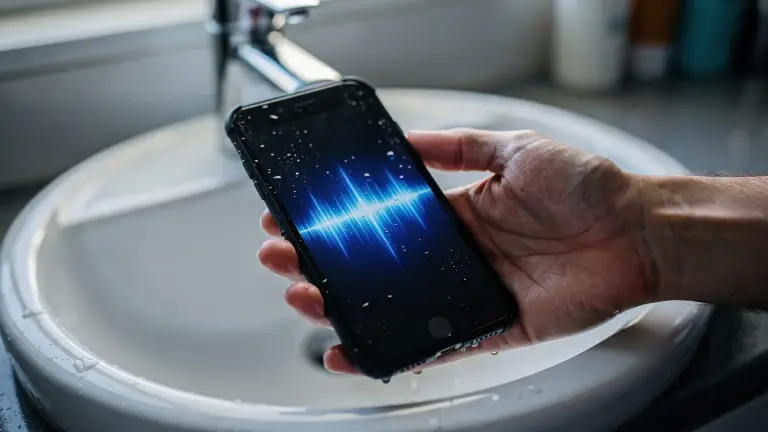
If it got wet, clear the water with a low 165 Hz speaker cleaner sound. If not, gently brush lint out of the grille.
Most of the time it’s one of four things: a setting, a case, water or lint. Work through them in order and you’ll usually find it in a few minutes.
Most common causes Bluetooth, case, water, lintTime 2 to 10 minutesCost free
Why is my phone speaker so quiet?
The usual suspects, from most to least common:
- It’s playing somewhere else. Your phone may still be connected to earbuds, a car or a speaker over Bluetooth.
- A case or screen protector is covering the grille. Apple lists this as one of the first things to check.
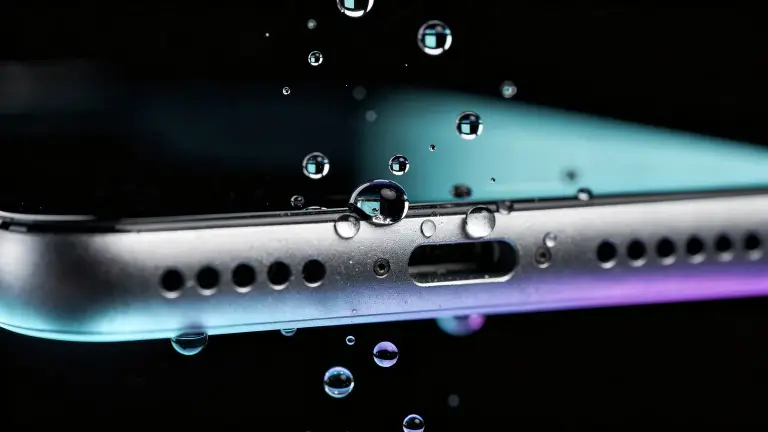
- Water is sitting in the speaker mesh, after rain, a shower or a splash.
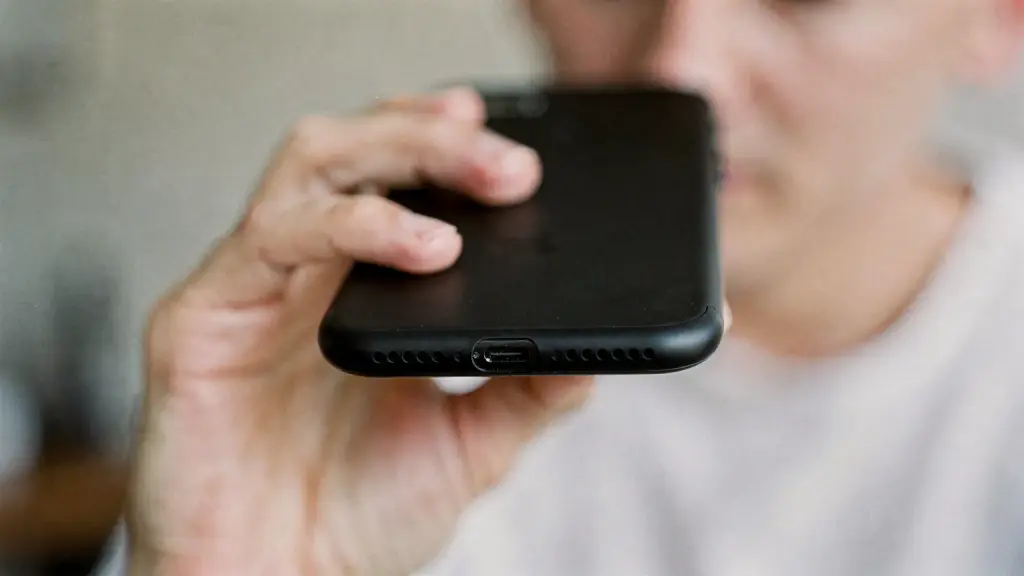
- Lint or dust has packed into the holes, especially if the phone lives in a pocket.
- A setting is turning it down, such as Silent mode or a Focus like Do Not Disturb.
- The speaker is damaged, which is the least likely, and the one a repair fixes.
How do you fix a speaker that sounds low or muffled?
Follow these in order and test with a song after each step. Steps 3, 4, 5 and 7 come from Apple’s own speaker troubleshooting page.
- Turn off Bluetooth for a moment. If the sound suddenly comes back, it was playing through another device.
- Turn the volume all the way up while something is playing, not just the ringer.
- Check Silent mode. On iPhone, make sure the switch or Action button isn’t set to silent.
- Turn off Do Not Disturb. On iPhone, go to Settings, then Focus.
- Take off the case and screen protector. Both can cover the speaker or the earpiece.
- Clear any water. Hold the phone speaker-down and play a low 165 Hz tone at full volume for 30 seconds.
- Brush out lint. Use a small, dry, soft-bristled brush on the speaker and earpiece openings.
- Restart the phone, then test again.
Why does my phone speaker crackle?
Crackling after rain or a splash is almost always water in the mesh. The droplets vibrate with the sound and break it up. Clearing them usually brings the sound straight back.
If it crackles at high volume but sounds fine lower down, or crackles with no water involved, the speaker itself may be worn or damaged.
Apple notes that static on a speakerphone call can also come from a weak network, so test somewhere else too.
Why does my phone sound muffled on calls?
Calls use a different speaker: the earpiece at the top. It has its own small grille, and water or lint there muffles calls while music sounds fine.
Run the water tone with the top edge facing down, and brush the earpiece gently. If people say you sound muffled, the microphone is the issue, which needs a different fix.
How do you clean lint out of a phone speaker?
Gently, and dry. A soft, dry brush is what Apple recommends for the openings. Brush across the holes rather than poking into them.
- No pins, needles or toothpicks. They can puncture the mesh.
- No compressed air. It can push debris deeper.
- No liquids or cleaning sprays in the openings.
Sound shakes loose light lint, but packed dust needs the brush. For water specifically, our step-by-step water eject guide covers the full routine, including the stubborn-water rounds.
When is it time for a repair?
If you’ve done every step, the phone is dry and the grille is clean, but the sound is still low or distorted, the speaker may need service. Apple also says to get it checked if the speaker control in Settings is dimmed.
Water that got inside the phone needs time, not sound. If the phone went fully underwater, start with what to do when a phone falls in water.
Frequently asked questions
Why is my phone speaker so low even on full volume?
Most often it’s a Bluetooth connection, a case over the grille, water in the mesh or lint in the holes. Check them in that order. If none of them fix it, the speaker may be damaged.
Can a speaker cleaner sound fix a quiet speaker?
Yes, if water is the cause. A low tone pushes droplets out of the grille. It won’t fix lint, a setting or a damaged speaker, so try the other checks too.
Why does my iPhone speaker sound muffled after water?
Water is sitting in the speaker mesh and blocking the sound. Play a low 165 Hz tone with the speaker facing down for 30 seconds, then let the phone air-dry.
Does Android have the same fixes?
Yes. Check Bluetooth and volume, take off the case, clear water with the tone in Chrome or Samsung Internet, brush the grille, then restart.
Is “Water Eject” built into my phone?
No. iPhone and Android don’t include one. You can use a web tool, or build a Water Eject shortcut on iPhone.