Water out. Sound on.
Fix your speakers now! Free water eject sound for iPhone and Android.
Ready when you are
Still muffled? Run Pulse for 60 s, then let the phone rest speaker-down for a few minutes.
Pair it with vibrations in the iOS appWater in your speaker makes everything sound muffled. The fix is surprisingly physical: a low tone moves the speaker's membrane back and forth, and the air it pushes carries the water out through the grille. No rice. No heat. Just sound.
How to remove water from your phone speaker
Three steps and about 30 seconds. It works for a splash, rain, a drink spilled on the phone or a quick rinse under the tap.
- 01
Volume all the way up
The tone can only push as hard as your speaker plays. Disconnect Bluetooth so the sound comes out of the phone.
- 02
Speaker facing down
Hold the phone upright, bottom edge to the floor, so gravity helps. Then repeat with the top edge down for the earpiece speaker.
- 03
Tap Eject water
Start with Boost for 30 seconds and wipe droplets off the grille with a soft cloth. Still muffled? Try Pulse or Burst.
Where it started. A 2017 Reddit test on a wet iPhone 7 found water moved most around this note (BGR).
One run. Usually enough for a splash or rain. After a dunk, do two or three.
AirPods drying time. Apple's minimum before you wear them or put them back in the case.
iPhone, fully dry. How long Apple says a wet charging port can take to dry completely.
Seven sounds to fix your speaker
165 Hz, driven hard. Loudest, best first try.
- Boost
- A 165 Hz note driven so hard it's almost square. The clipping adds overtones small phone speakers play loudly, so every push of air is stronger.
- Deep
- A steady, pure 165 Hz tone. The classic water eject sound, gentler than Boost.
- Pulse
- The tone switched on and off five times a second. Each burst jolts water that clings to the mesh.
- Sweep
- Glides from about 100 Hz up to 330 Hz and back, so it hits whichever note your speaker moves most at.
- Wobble
- A tone that wavers up and down about five times a second, rocking droplets side to side.
- Burst
- Short, low thumps a few times a second, like tapping the phone against your palm with sound.
- Chirp
- Quick rising chirps that race through many notes every second.
Phone fell in water? What Apple says.
Sound clears the speaker, not the inside. Seeing “Liquid detected”? Follow Apple's advice.
Skip these
RiceSmall particles can get inside the phone.Hair dryerNo heat sources of any kind.Compressed airApple warns against it alongside heat.Cotton swabsNothing in the port, not even paper towel.
Do this instead
- Unplug the cable from the phone and the charger.
- Tap the phone gently against your hand, connector facing down.
- Leave it somewhere dry with some airflow.
- Wait at least 30 minutes before charging. Fully drying can take up to 24 hours.
 iPhone app
The water eject app for iPhone
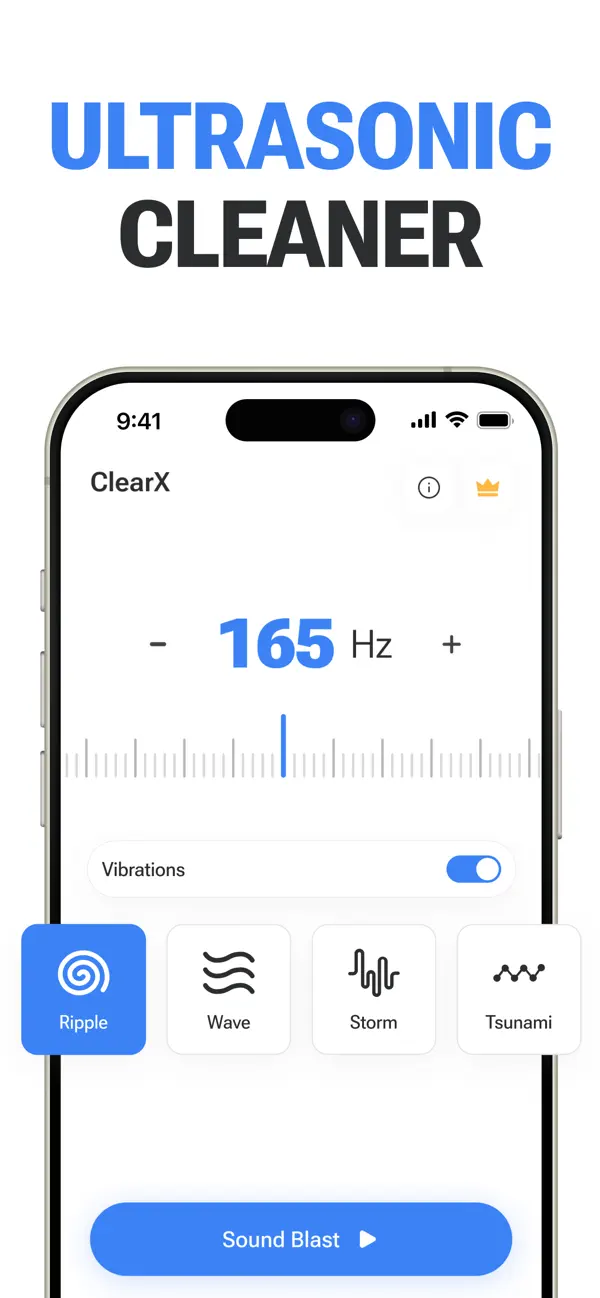
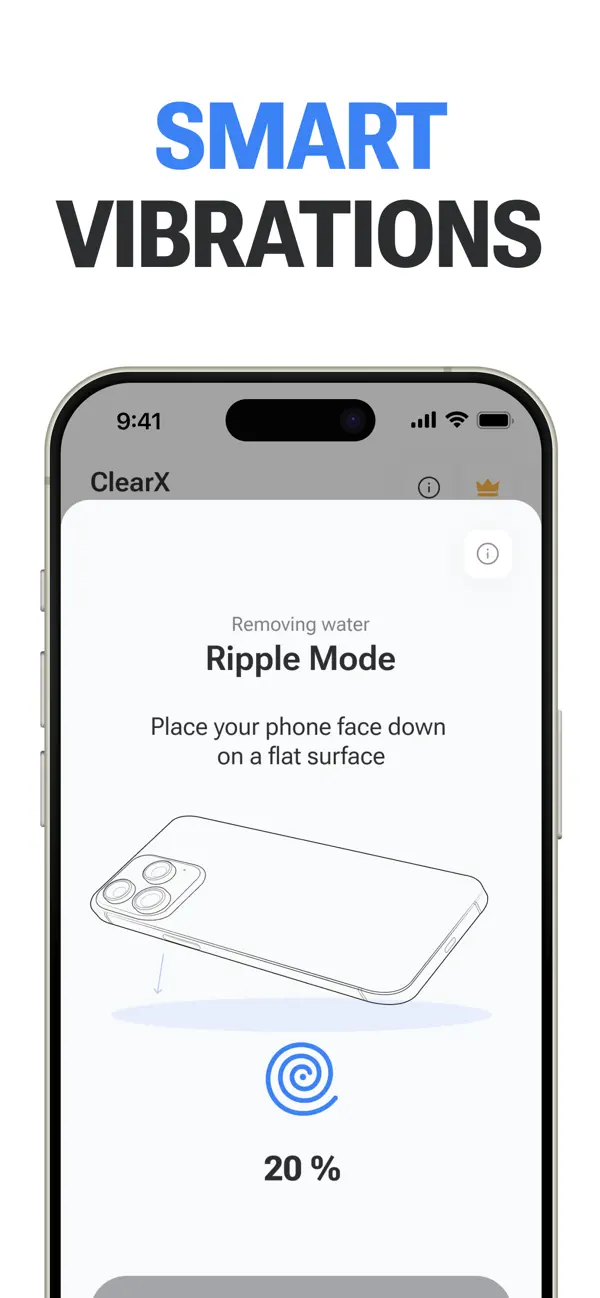
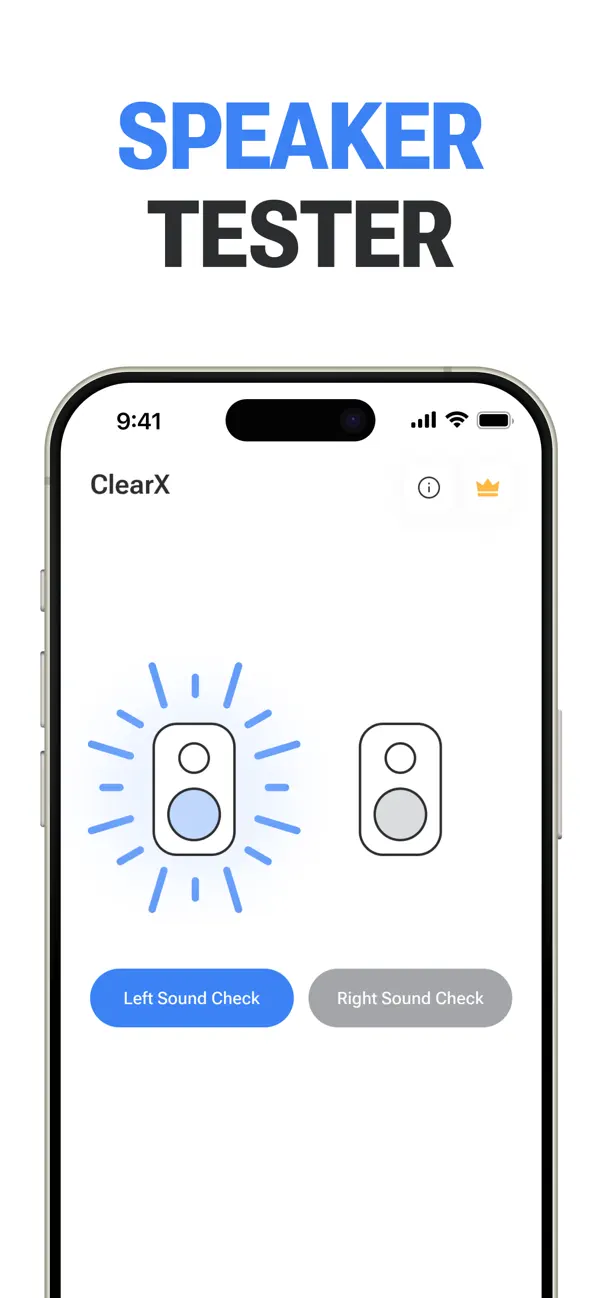
Pair it with vibrations for even more efficiency, pick from four cleaning modes, then check both sides with the left and right speaker test. Android version coming soon.
- Rating
- 4.6★133 ratings
- Price
- FreeIn-app purchases
- Needs
- iOS 17or later
- Size
- 19.6MB
“Works exactly as it should.”
“I can tell that it has gotten a little bit louder.”
Water eject, answered
What people ask before (and after) they press the button.
Does Water Eject actually work?
For water sitting in the speaker grille, yes. Low-frequency sound moves the speaker membrane enough to push droplets out, and you'll often see them appear on the grille while it plays. It can't reach water that's inside the phone itself.
How do I fix a muffled speaker after water?
Run Boost for 30 seconds with the speaker facing down, wipe the grille, then play a song. Still muffled? Try Pulse or Burst for 60 seconds and let the phone air-dry. If it's still distorted after a day, the speaker may need a repair.
Is it safe for my speaker?
The tone plays through your phone's normal audio path, at levels the speaker is built for, the same as loud music. Keep each run to 60 seconds or less and give the phone a short break between runs.
Does it work on iPhone, Android and iPad?
Yes, in any modern browser: Safari on iPhone and iPad, Chrome or Samsung Internet on Android. Most phones have a bottom speaker and an earpiece, so run it once with each edge facing down. iPads aren't water resistant, so it only helps with a splash.
Can I use water eject on AirPods?
Yes: pick AirPods in Settings, keep them out of your ears and run Pulse at about half volume. Apple's main advice is to wipe them with a lint-free cloth and let them dry for at least two hours before using them or putting them in the case.
Can a speaker cleaner sound remove dust?
Not really. A speaker cleaner tone is great at moving water, and it can shake a little loose lint, but packed dust needs a soft, dry brush. High-pitched “20,000 Hz” dust-remover sounds don't move the membrane as much as low notes do.
Can a water eject sound get water out of the charging port?
No. Sound moves the speaker, and the charging port has no speaker in it. Unplug the cable, tap the phone gently against your hand with the port facing down and let it air-dry. Apple says to wait at least 30 minutes before charging.